Transfer the relics you intend to sell
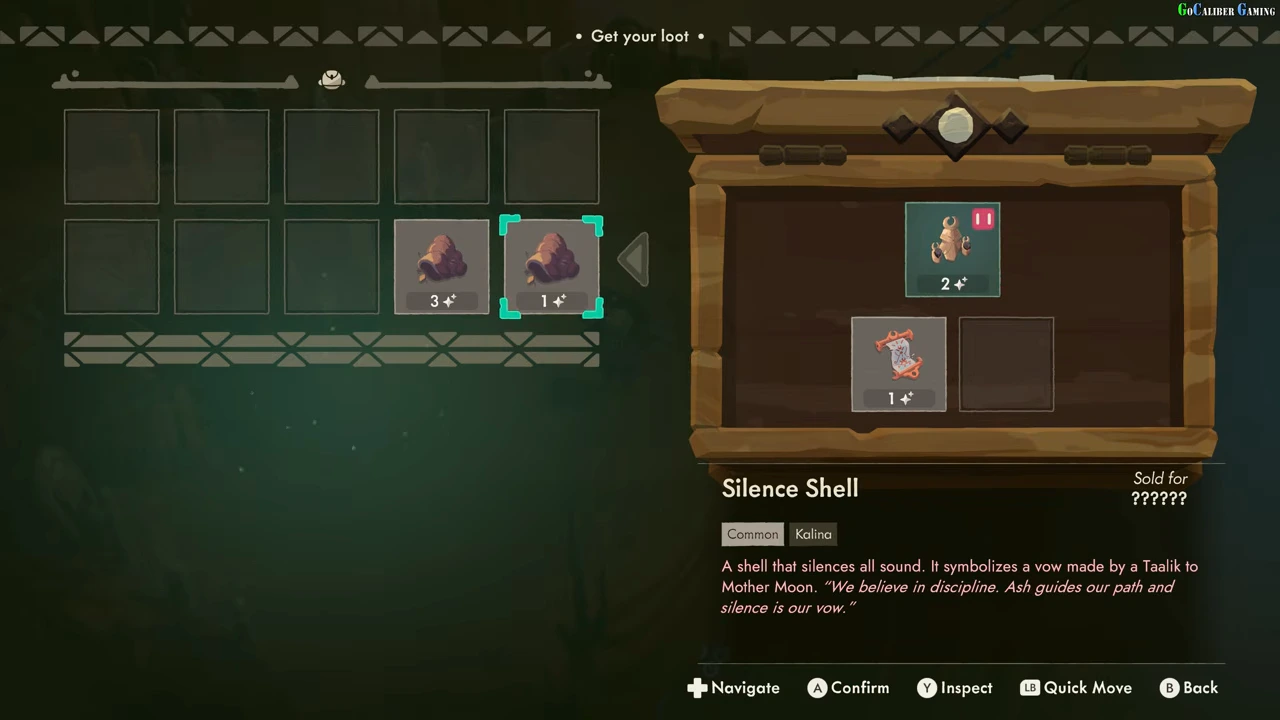
The Get your loot screen separates the chest on the right from your backpack on the left. Select an item, inspect its name and Quality, then move it into an available backpack slot. The observed tutorial later returns to Tresna with those relics. A relic still in the chest has not been stored for the shop.
Stock and price the display cases
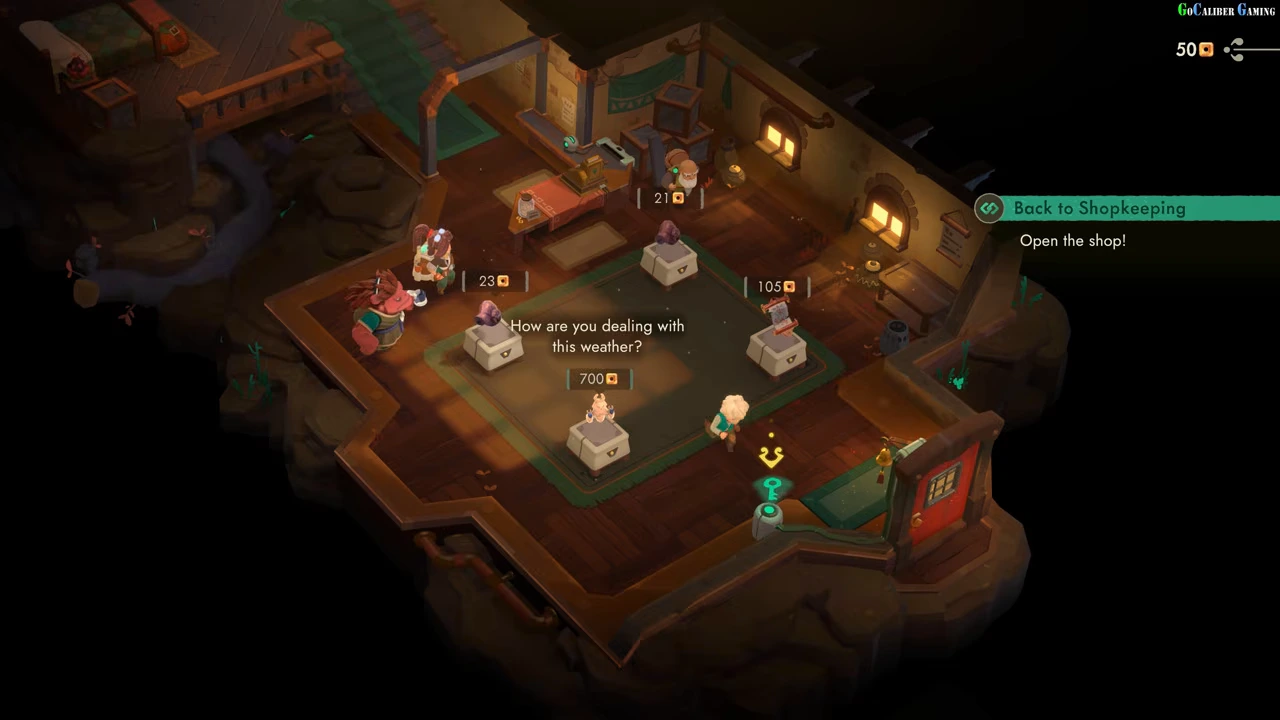
Back in the shop, interact with an empty case. The Showcase panel lets you select a carried relic, move it into the case and edit its price. Read Total as well as the entered digits because Quality can change the displayed sale amount. Repeat for the cases you want to stock.
Open the shop
Once the tutorial cases are stocked, the task points to the device beside the entrance. Interact there to begin the selling period. Customers then enter and inspect displayed relics. The video’s first sale also includes a guided customer demonstration before the ordinary shop opening.
Finish at the register
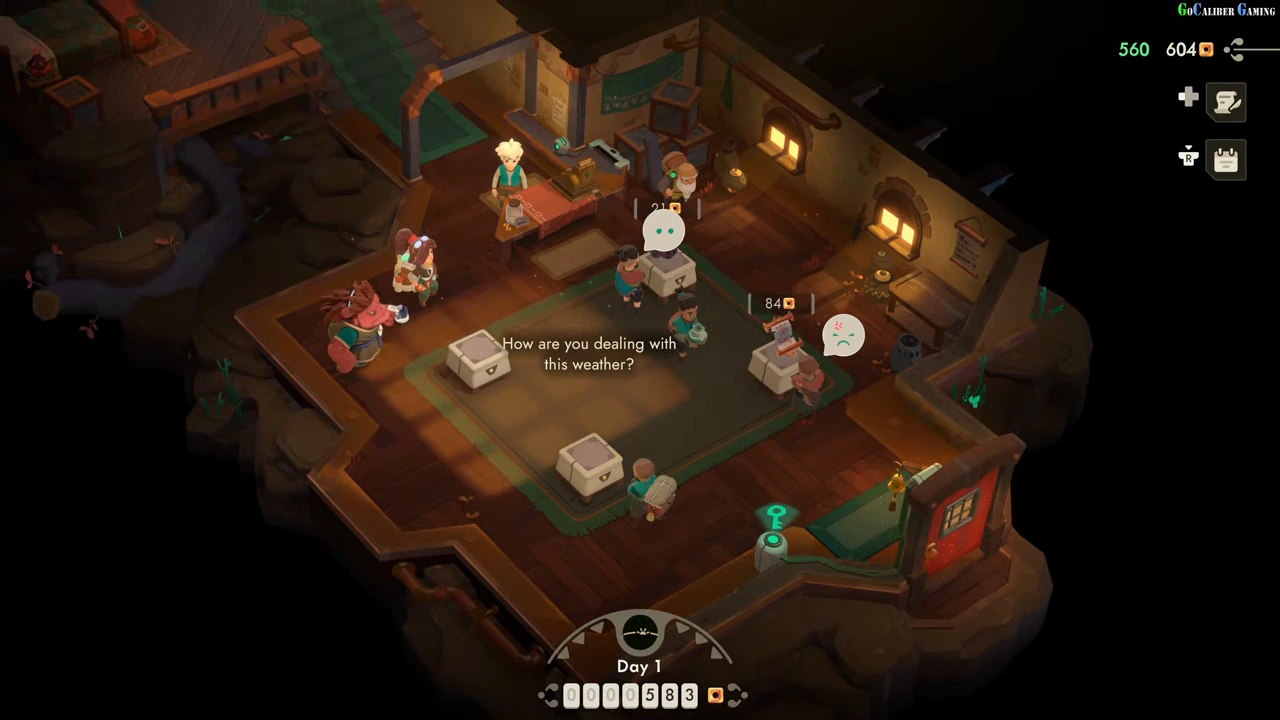
An accepted offer is followed by a customer at the counter. Move behind the register and use the displayed interaction. In the recording, a green amount appears near the wallet when a sale completes. Keep watching the remaining cases: another customer can reject a different price while one sale succeeds.
Choose the next check from the result
If a customer rejects a price, reopen that relic’s Showcase panel and inspect the recorded reaction before adjusting it. If stock runs out, the next dungeon trip supplies more relics. This first-loop guide does not claim an optimal daily income or a guaranteed dungeon-clear route.