Check the build on the title screen
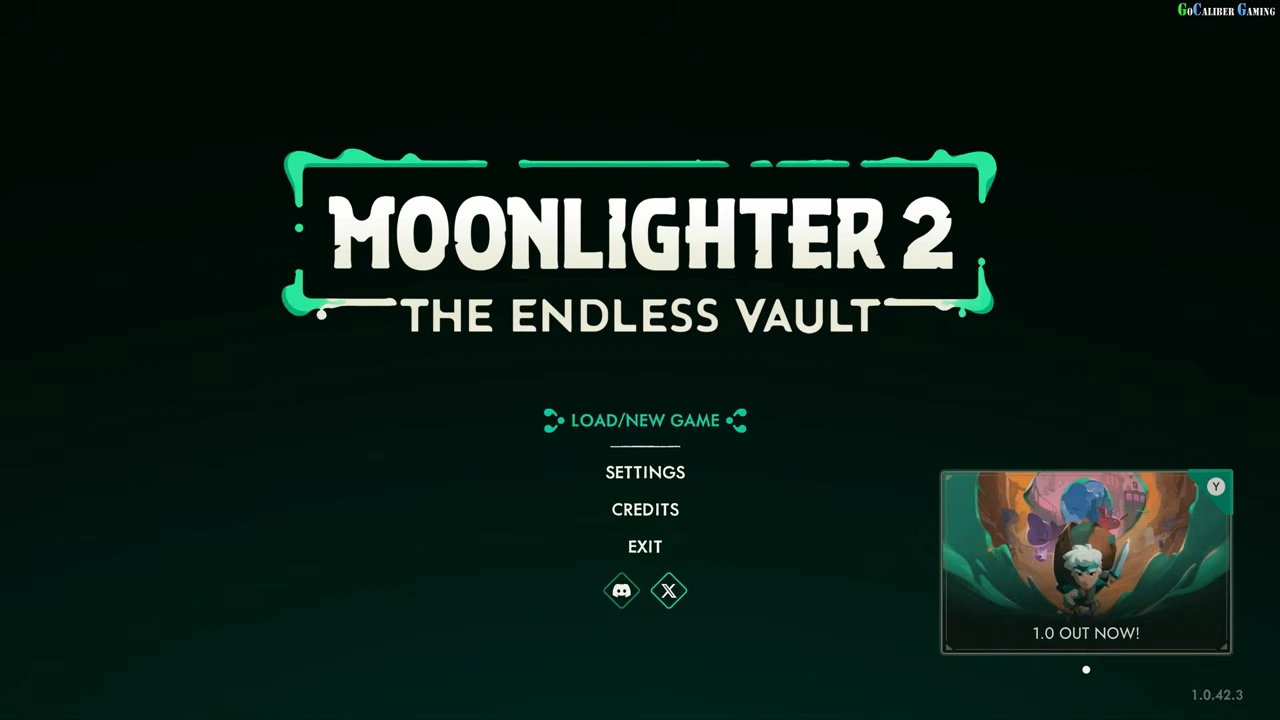
The observed menu reads Moonlighter 2: The Endless Vault and displays a 1.0 OUT NOW card. More specifically, the lower-right version string reads 1.0.42.3. Use that printed build to understand the scope of these screens.
If your build or menu differs, record that difference before treating every input or option below as identical. This route does not establish an Early Access save-migration or overwrite rule.
Start in an empty slot
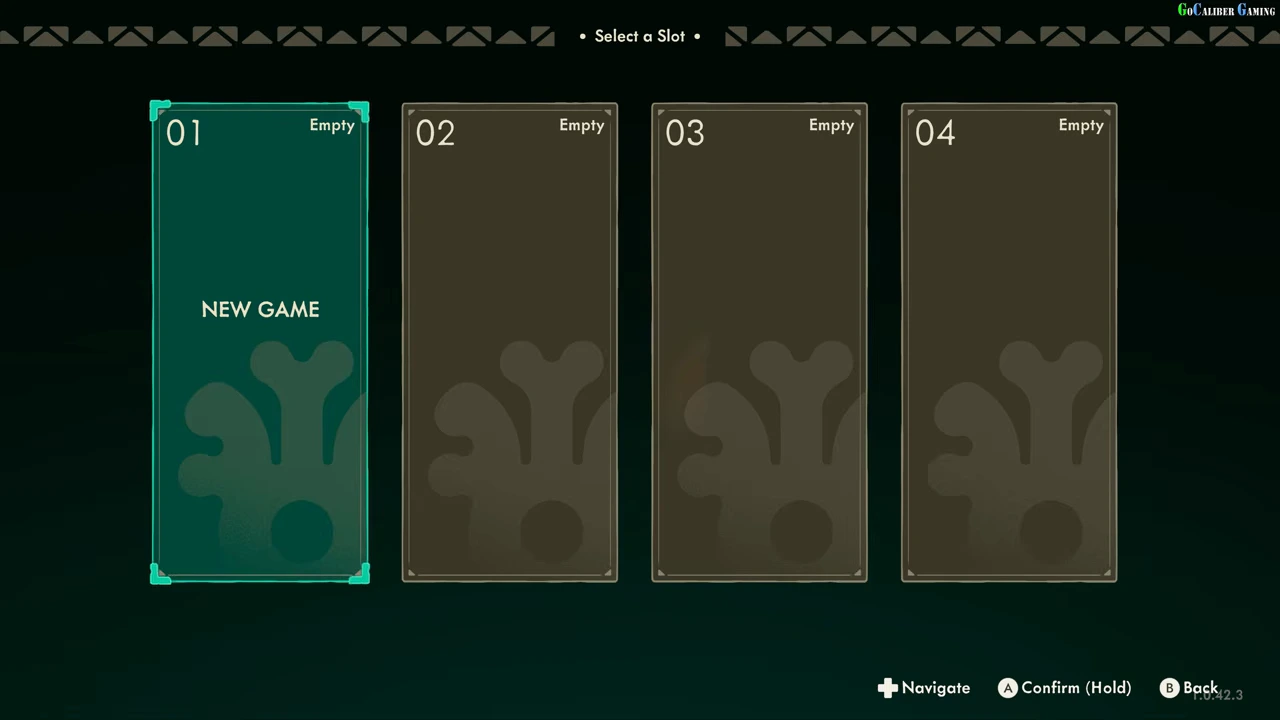
Choose LOAD/NEW GAME to open Select a Slot. The recording shows four slots, 01 through 04, all labelled Empty. Slot 01 is selected and says NEW GAME; the lower prompt reads Confirm (Hold). Holding the displayed confirmation fills the selection animation before the difficulty screen opens.
Use a slot that actually says Empty. If a slot contains progress, leave it intact; this example is not an instruction to replace or delete an existing save.
Choose Normal for this starting route
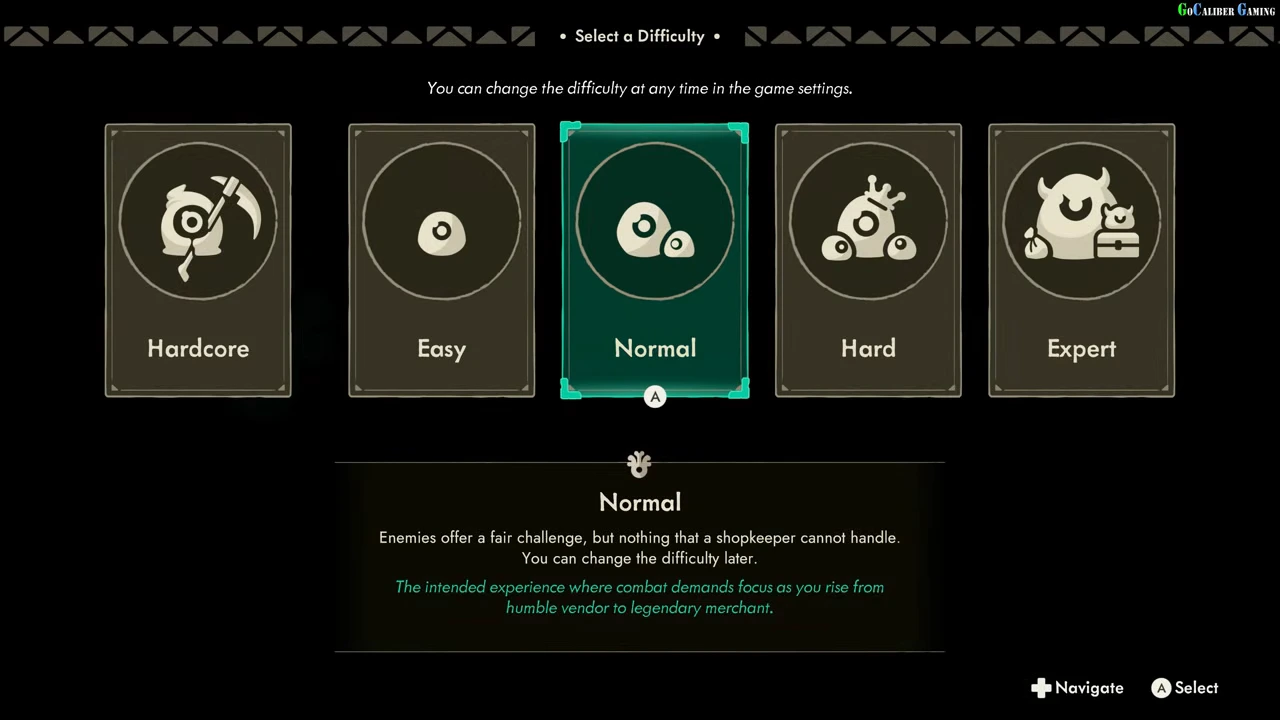
The difficulty screen offers Hardcore, Easy, Normal, Hard and Expert. Normal is selected in the recording. Its description presents it as the intended experience and explicitly says the difficulty can be changed later.
Normal is a reasonable starting choice for following this route because its description is visible and the subsequent tutorial is demonstrated. The other four names are visible, but their individual rules are not inspected here. Do not assume an uninspected Hardcore rule from the Normal description.
Continue into the playable tutorial
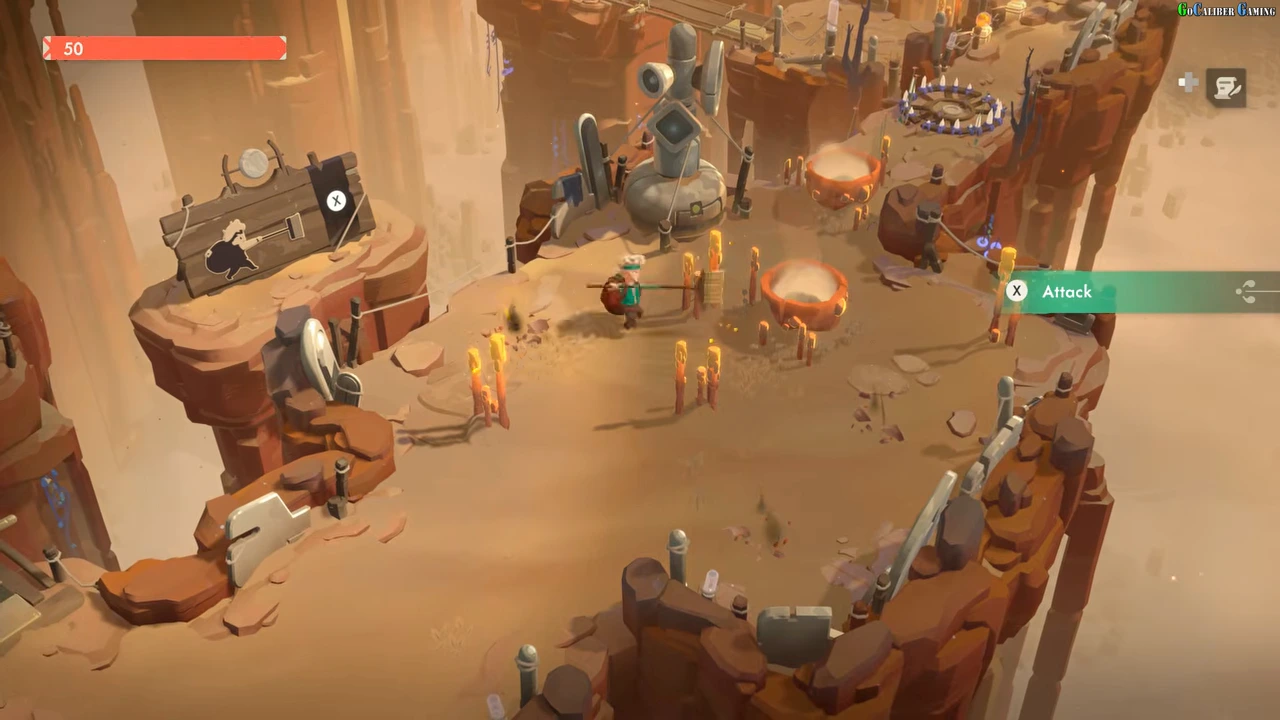
After Normal is confirmed, the recording enters the illustrated introduction and then gives control of Will in the opening area. A later tutorial prompt displays X for Attack, with Will using the attack beside the marked training path. That is a playable starting result rather than only a saved menu selection.
Follow the prompts shown by your own device. The pictured controller letters are not universal keyboard bindings.
Keep the next task clear
Once you can control Will, continue with the loot and shop loop. That next guide explains how to move relics into the backpack and complete a sale; starting a save alone does not supply shop income or unlock the postgame.
- Confirm the title-screen version.
- Open LOAD/NEW GAME and choose an Empty slot.
- Hold the displayed confirmation for that slot.
- Select Normal to reproduce the observed difficulty choice.
- Continue through the introduction and follow the first tutorial controls.