Check supplies at the portal
At the town portal, the observed player has 60 health and two potions. Inspect those displays before using Interact; they are this save’s starting condition, not a minimum requirement or a promise about a new character. This walkthrough uses a later Kalina run to demonstrate the entry and loot controls. It does not present that account’s upgrades as the equipment every new save starts with.
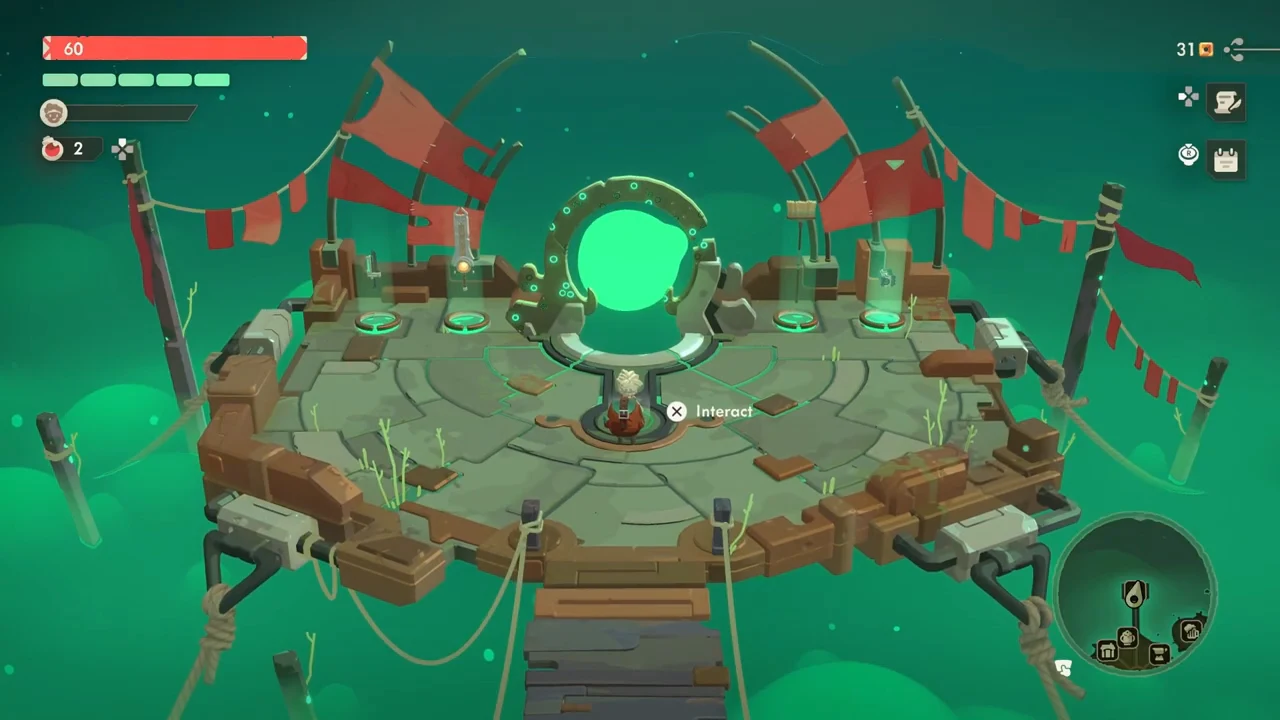
Choose from the actual route map
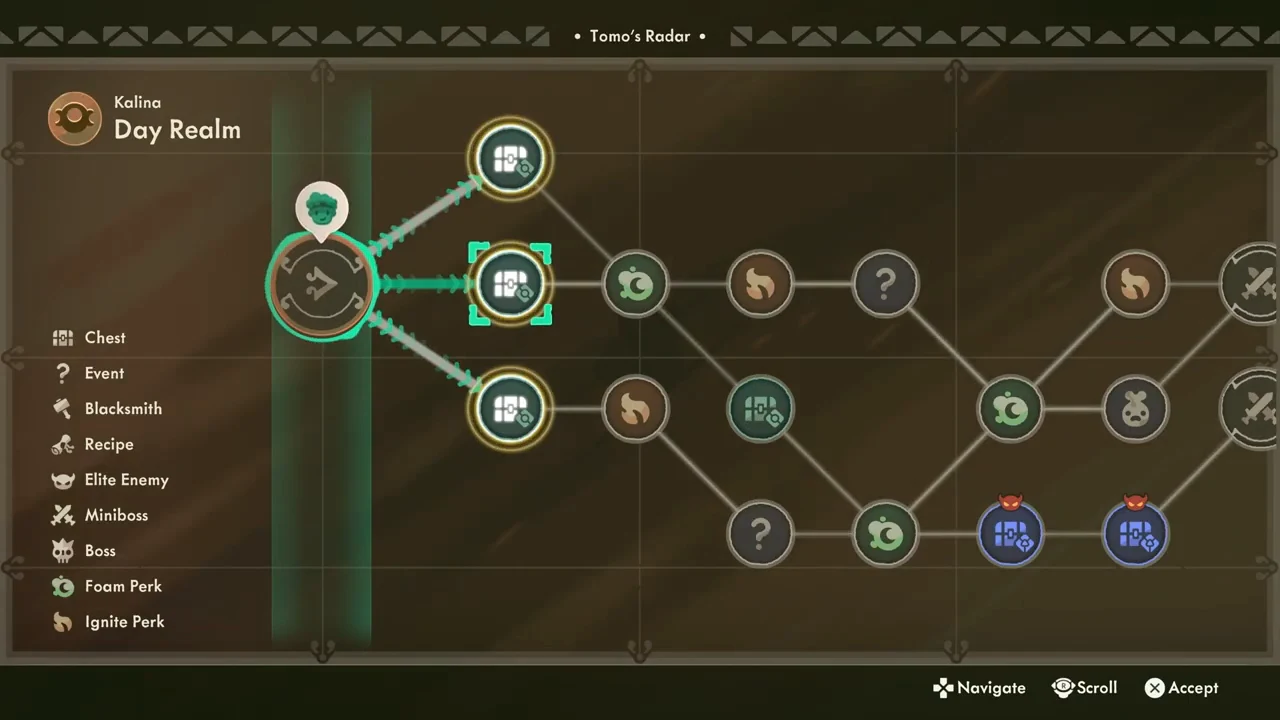
The next map is Tomo’s Radar for Kalina, Day Realm. Three Chest nodes are available at the start of this recorded route; the player chooses the middle one. Use the legend to distinguish Chest, Event, Blacksmith and the combat or perk icons. Read your own map before confirming: the position of this middle node is an example, not a guaranteed route on every incursion.
- Read the realm name on Tomo’s Radar.
- Match the destination symbol to the legend.
- Navigate to an available connected node.
- Use the displayed Accept control to enter.
Finish the room before collecting its chest
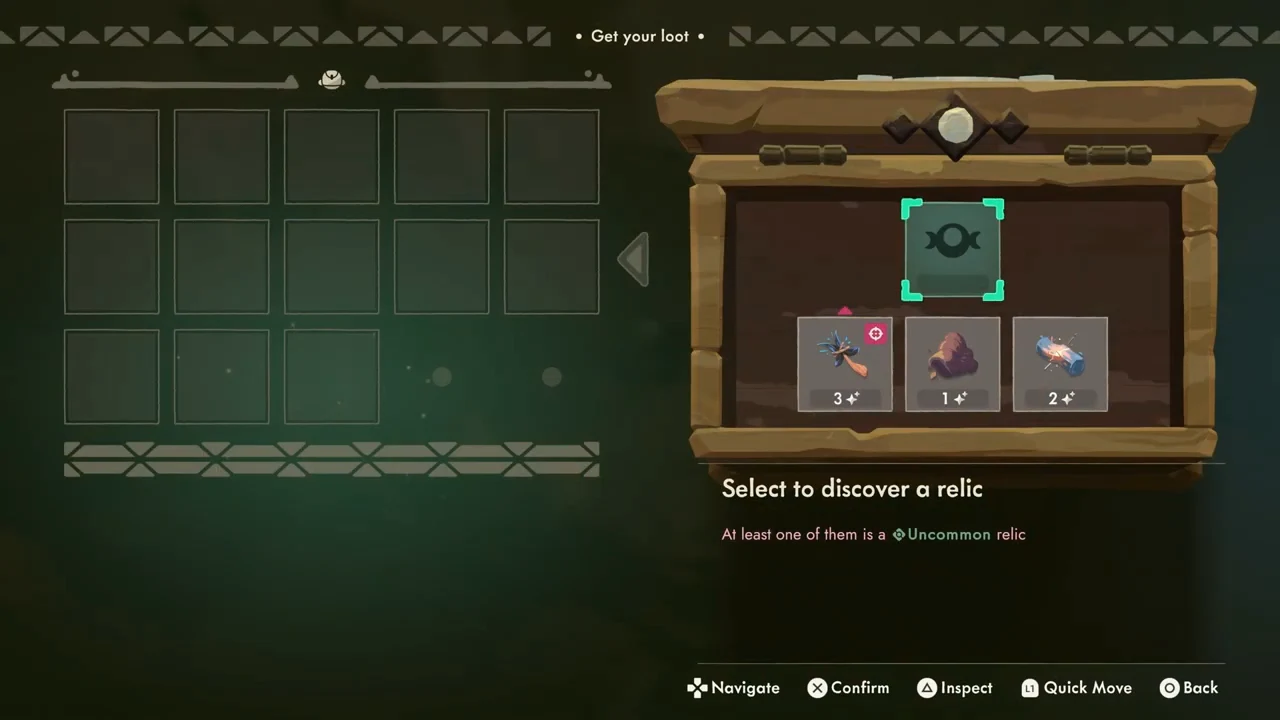
The selected room contains enemies. After the visible combat ends, the player approaches the chest and opens Get your loot. At this point the left backpack is empty and the right chest still contains the rewards. The unrevealed upper card has a Select to discover a relic prompt; opening it presents a choice between two named relics. The recording selects Scorch Flower. Read the offered effects before choosing instead of treating that selection as a universal best pick.
Check the backpack after transferring
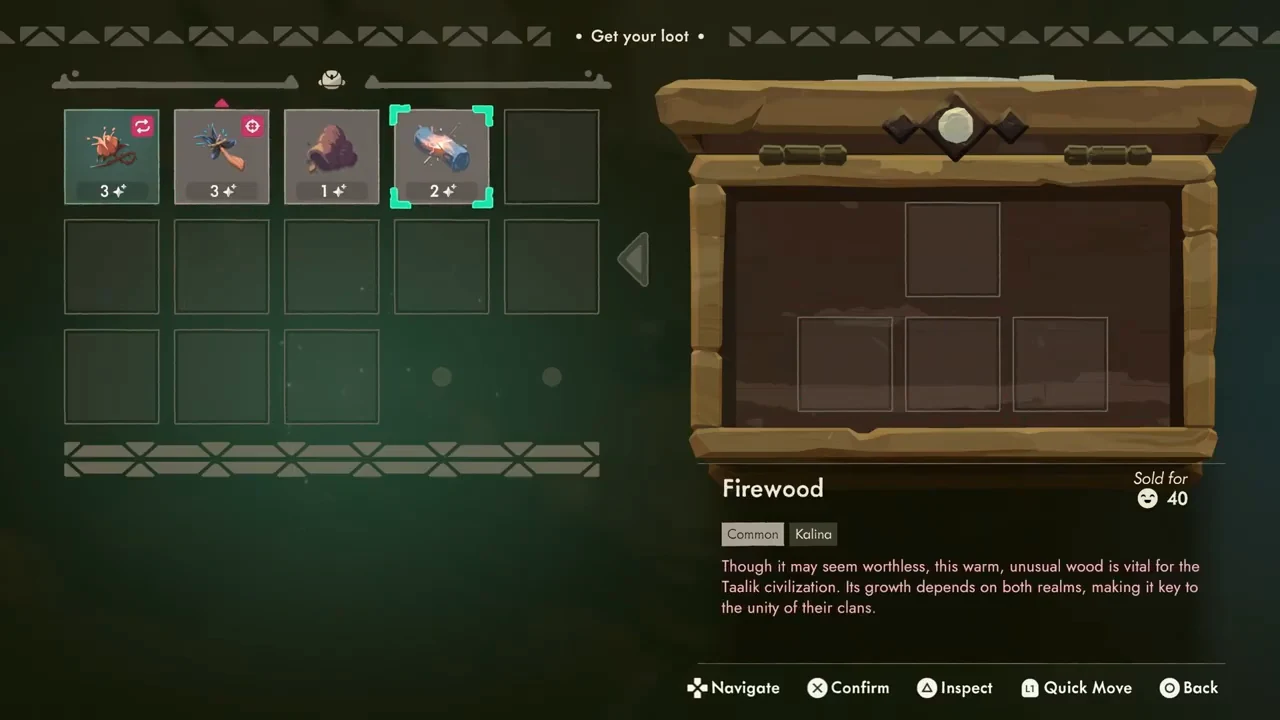
After confirming the relic choice, move the remaining rewards into available backpack cells. In the demonstrated result, four relics occupy the left grid and the chest slots on the right are empty. Check those two locations before leaving the panel: inspecting an item in the chest is different from carrying it. If an item has an effect icon, inspect that effect before choosing its position.
- Resolve the chest’s upper relic choice.
- Select each reward you intend to carry.
- Move it to an available backpack cell.
- Confirm that it is in the left grid before leaving.
Continue from the updated node
Close the loot panel and use the room’s onward transport. Tomo’s Radar reopens with the current-position marker on the completed Chest node and the next connected node highlighted. Choose the next destination from this updated position rather than trying to select a disconnected future reward. The same recorded incursion later reaches The Herald, collects its rewards and returns to town, but its later success does not make the opening route an optimal or guaranteed clear.
Prepare for the limits of this example
This page demonstrates a repeatable entry, route selection and loot-transfer sequence. A fresh-save tutorial unlock route, starting armor comparison and complete first-attempt boss plan still need their own evidence. Keep those decisions separate from the controls shown here; the health, potion count and available nodes in the screenshots are observations from one account.